Image Mixer
A downloadable tool
Image Mixer
Two images, one new possibility.
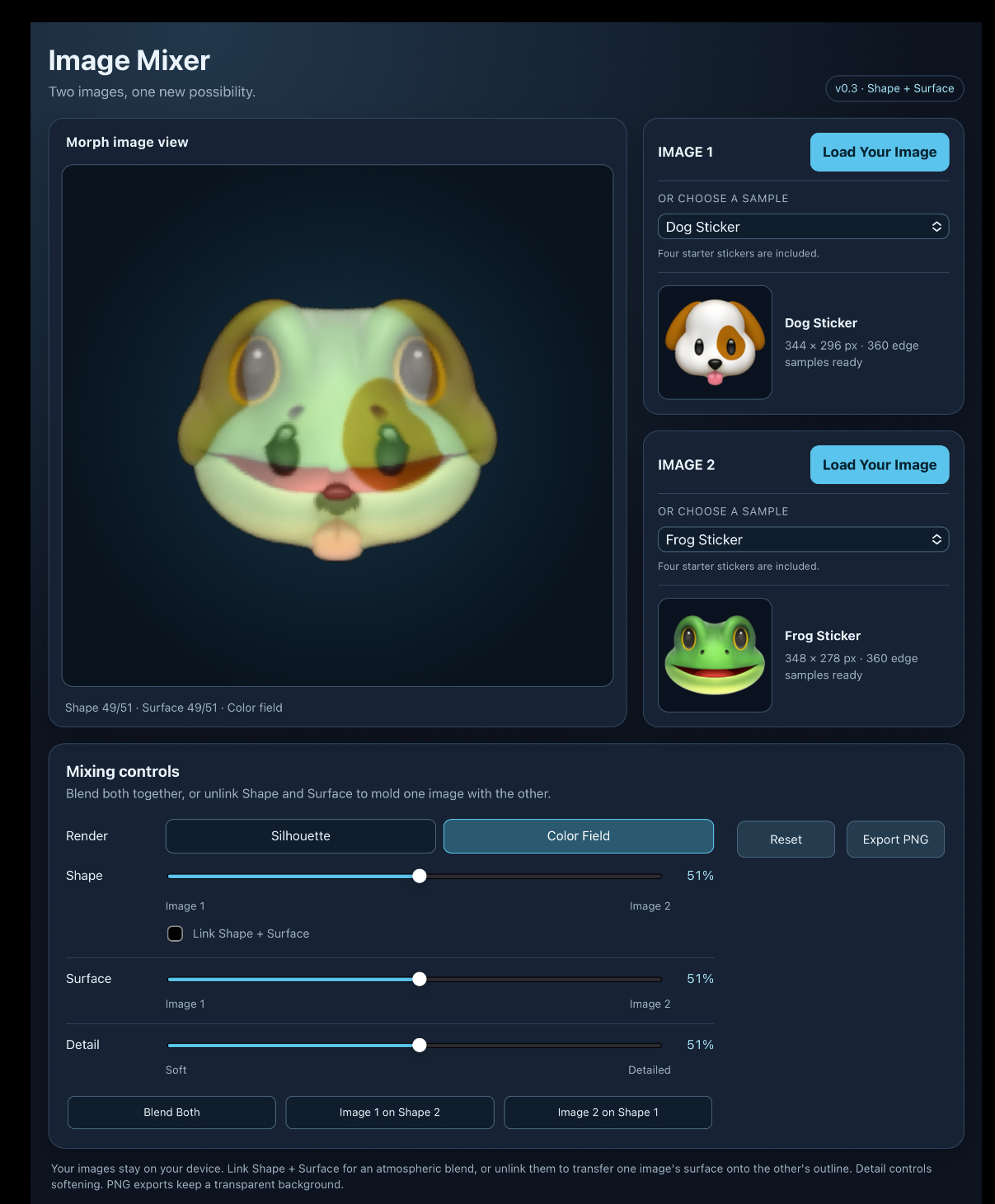
Image Mixer is an experimental browser-based art tool for combining the shapes, colors, and textures of two images.
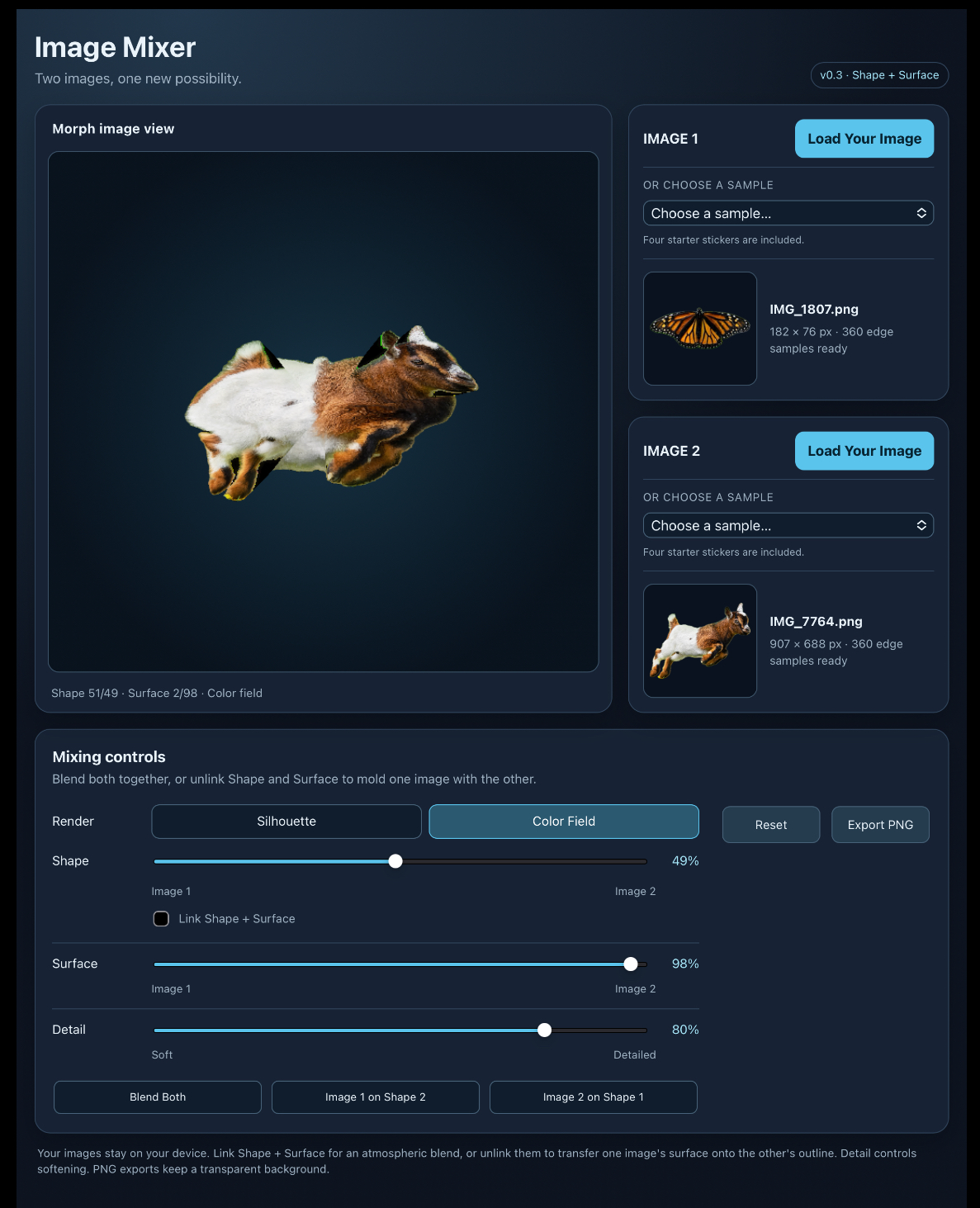
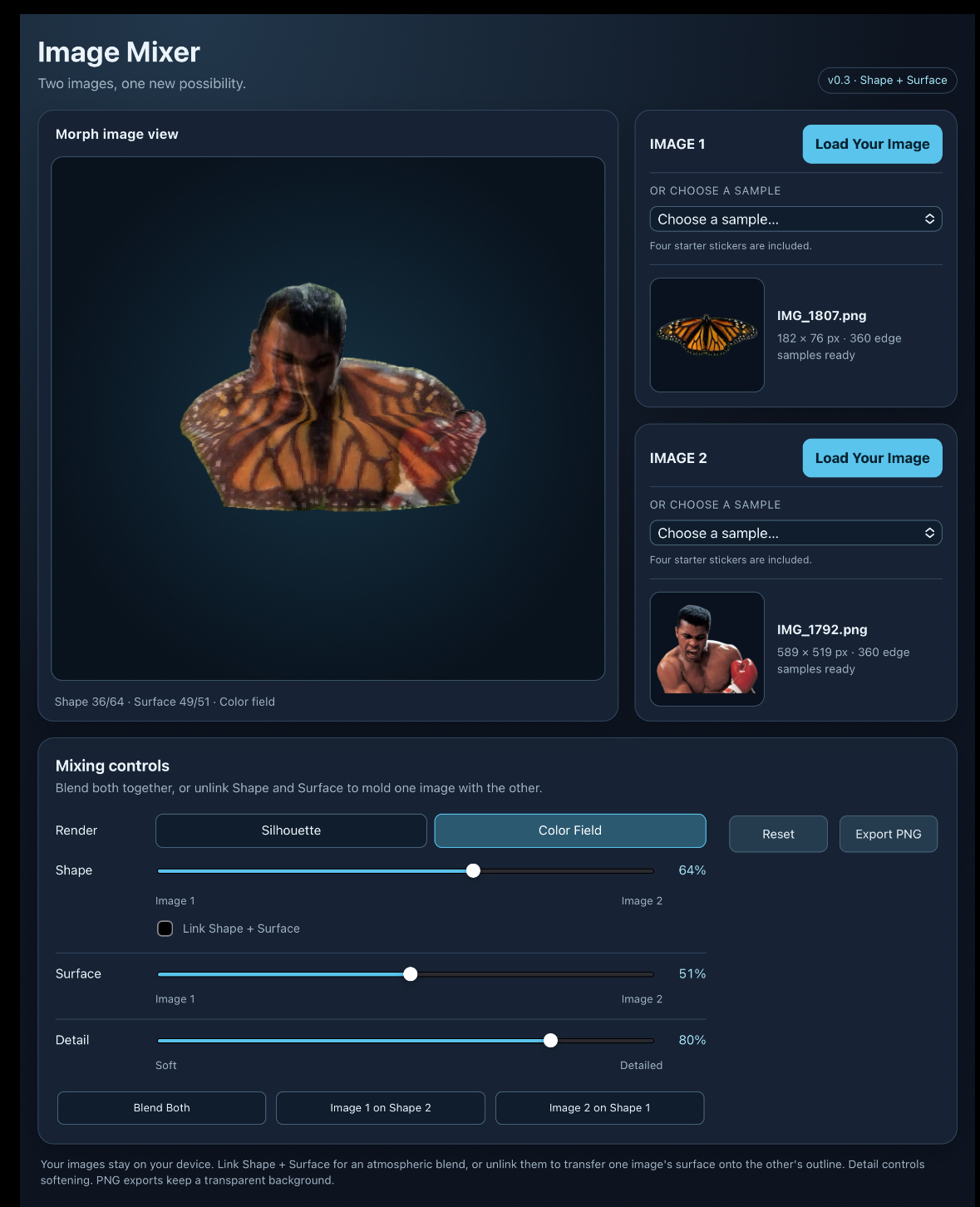
Blend two images together, place one image’s surface inside another image’s shape, or soften the results into atmospheric color fields. The intermediate forms often resemble invented animals, layered portraits, strange objects, masks, portals, and other unexpected compositions.
What is a “sticker image”?
A sticker image contains a subject that has been cut out from its background.
For example, a photograph of a giraffe with the sky and landscape removed is a sticker image. The area around the giraffe is transparent rather than white.
Sticker images are often:
- PNG or WebP files with transparent backgrounds
- Emoji or character cutouts
- People, animals, objects, or shapes isolated with a clipping mask
- Images that show a gray-and-white checkerboard around the subject when opened in an image editor
A white background is not transparent. If an image has a solid white rectangle behind it, Image Mixer may treat that rectangle as part of its shape.
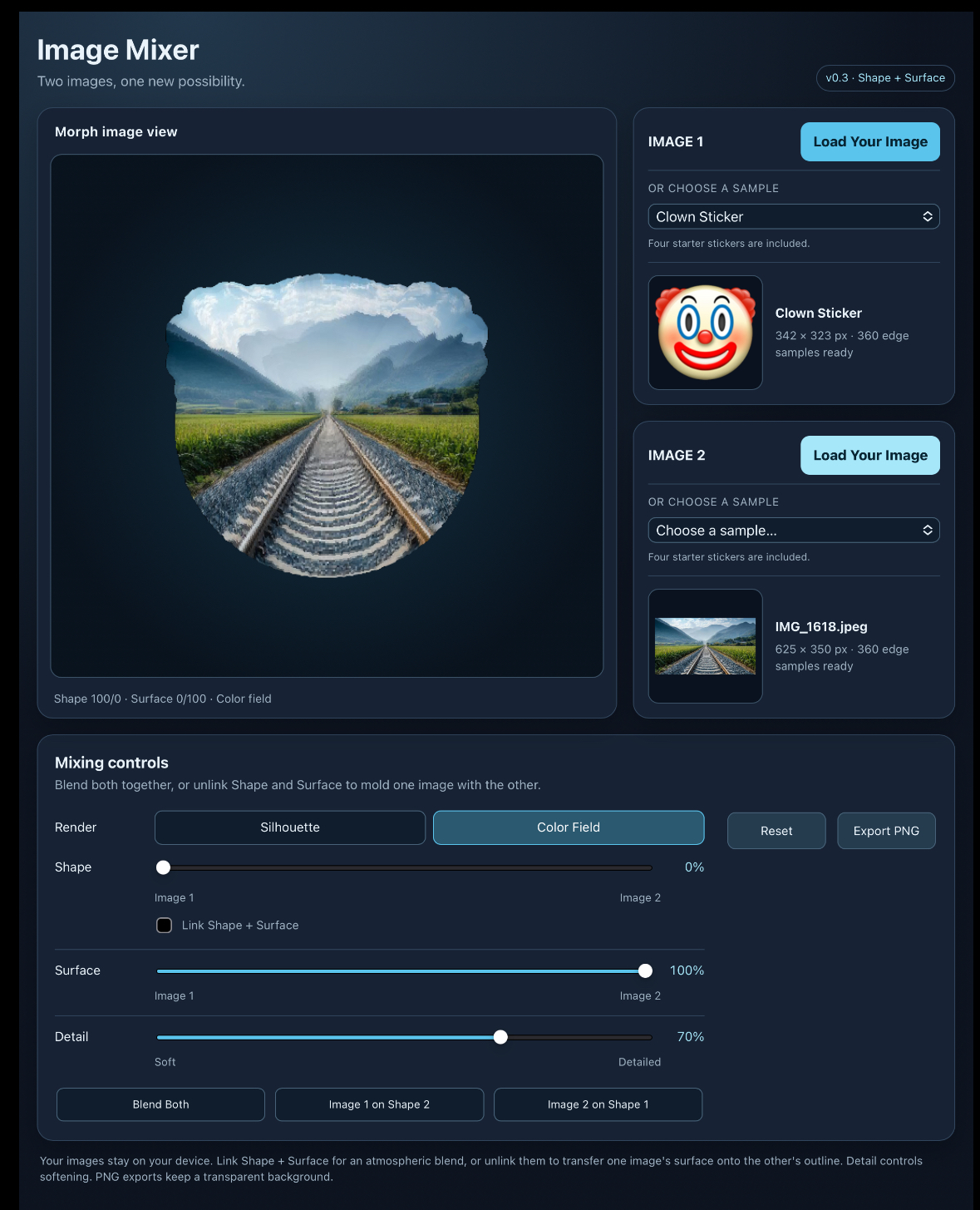
Transparent sticker images produce the clearest outlines, but ordinary full-size photographs can also be used. Full photographs are especially interesting as surface material placed inside a sticker’s shape.
Four sample stickers are included, so you can begin experimenting immediately.
How it works
Every loaded image provides two things:
- Shape: the outer silhouette of the image
- Surface: its colors, patterns, and photographic details
Image Mixer converts both images into a shared radial coordinate system. This allows very different images to interact while retaining some of their original structure.
The results are intentionally experimental. Eyes may become markings, feathers may become fur, architecture may become anatomy, and photographs may stretch into unfamiliar shapes.
Controls
Render
Switch between:
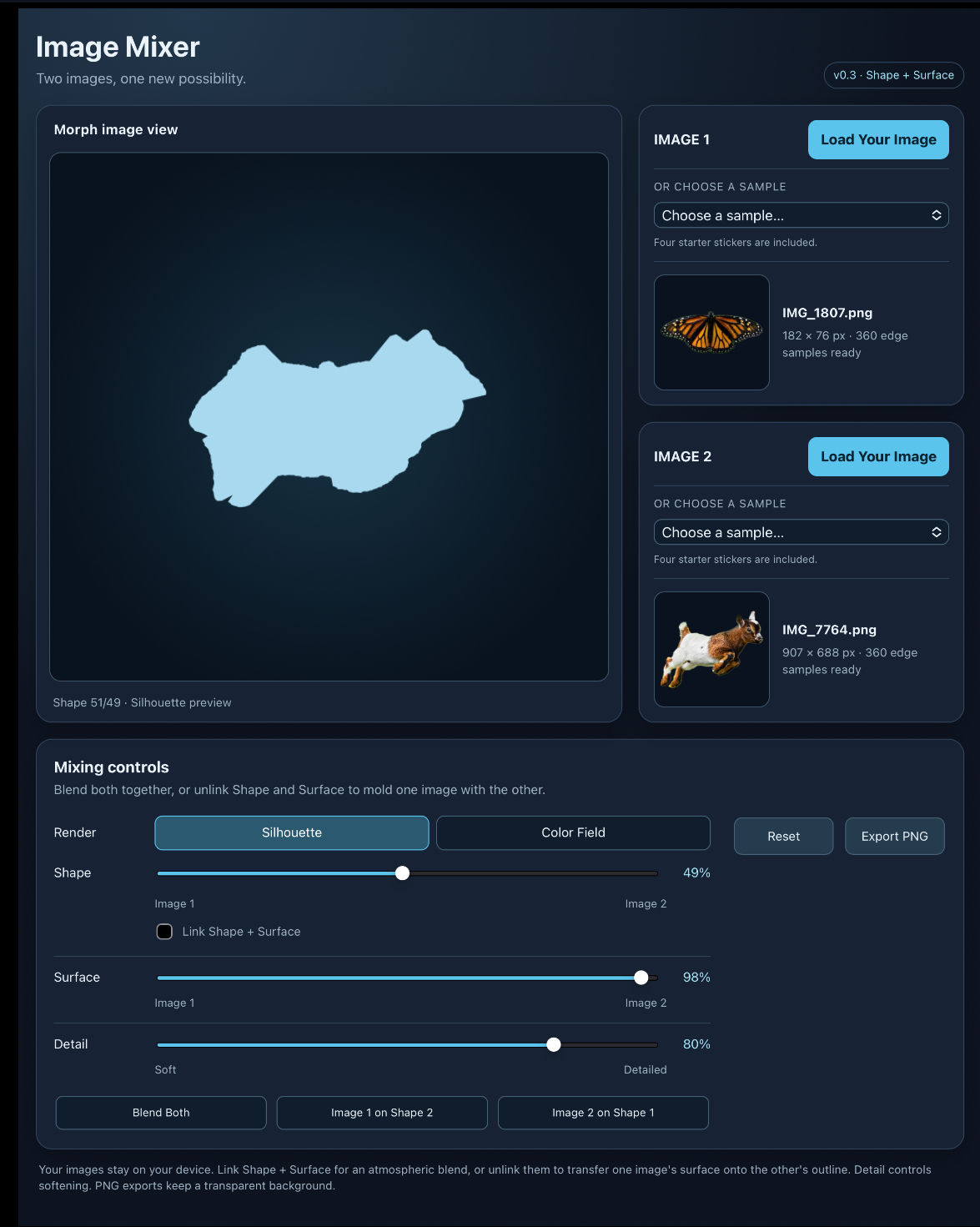
- Silhouette: View the mixed outline by itself.
- Color Field: View the shape filled with normalized colors and imagery.
Shape
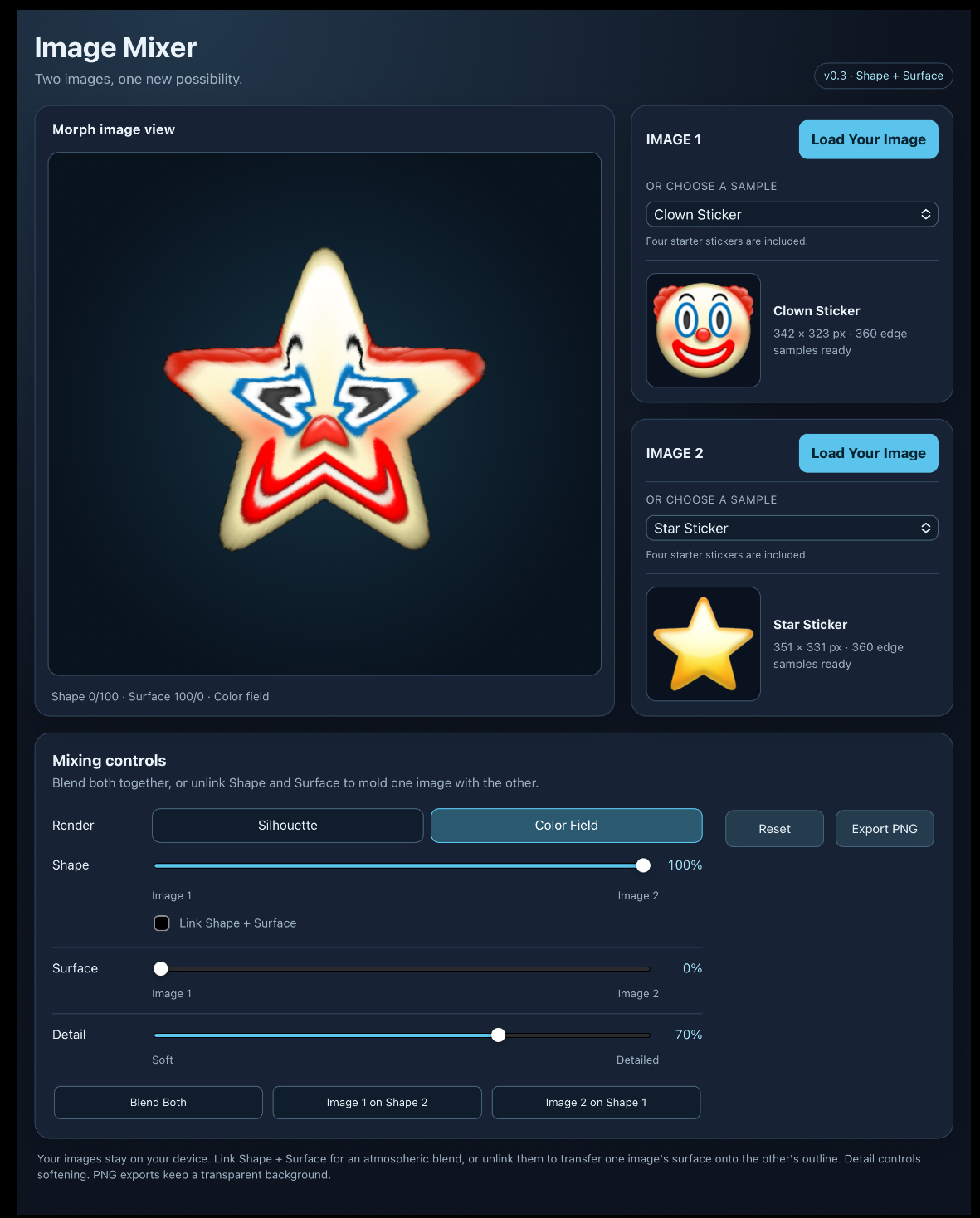
Controls the outline of the result.
Move toward Image 1 or Image 2, or stop somewhere between them to create a new hybrid shape.
Link Shape + Surface
When linked, Shape and Surface move together. This produces the atmospheric blending behavior of a traditional image mix.
Unlink them to control geometry and imagery independently.
Surface
Controls which image supplies the colors, patterns, and photographic material.
For example, you can:
- Put Image 1’s surface inside Image 2’s shape
- Put Image 2’s surface inside Image 1’s shape
- Use a hybrid shape while keeping most of one image’s surface
- Place a full-size photograph inside a transparent sticker outline
Detail
Move toward Soft for blended, painterly color fields.
Move toward Detailed to preserve more photographic texture and recognizable features.
Quick presets
- Blend Both: Mixes Shape and Surface together at 50/50.
- Image 1 on Shape 2: Uses Image 1’s surface inside Image 2’s outline.
- Image 2 on Shape 1: Uses Image 2’s surface inside Image 1’s outline.
You can use a preset as a starting point and continue adjusting the sliders.
Exporting
Select Export PNG to save the current result as a 1024 × 1024 PNG with a transparent background.
The exported image can be used in other art tools, collage projects, image processors, height mappers, texture experiments, or anything else that accepts PNG files.
Privacy and offline use
Your images remain on your device. Image Mixer does not upload them.
The tool is self-contained and works offline after downloading.
Image recommendations
For the clearest shape mixing, try:
- Transparent PNG or WebP stickers
- One isolated subject per image
- Subjects positioned near the center
- Clear, recognizable silhouettes
- Images without large disconnected pieces
You can also experiment with portraits, paintings, photographs, textures, architecture, abstract shapes, and full-frame images. Unusual combinations are encouraged.
Download
Click download now to get access to the following files:
Leave a comment
Log in with itch.io to leave a comment.